
A demo walks through the dashboard below with your own rollout in mind.
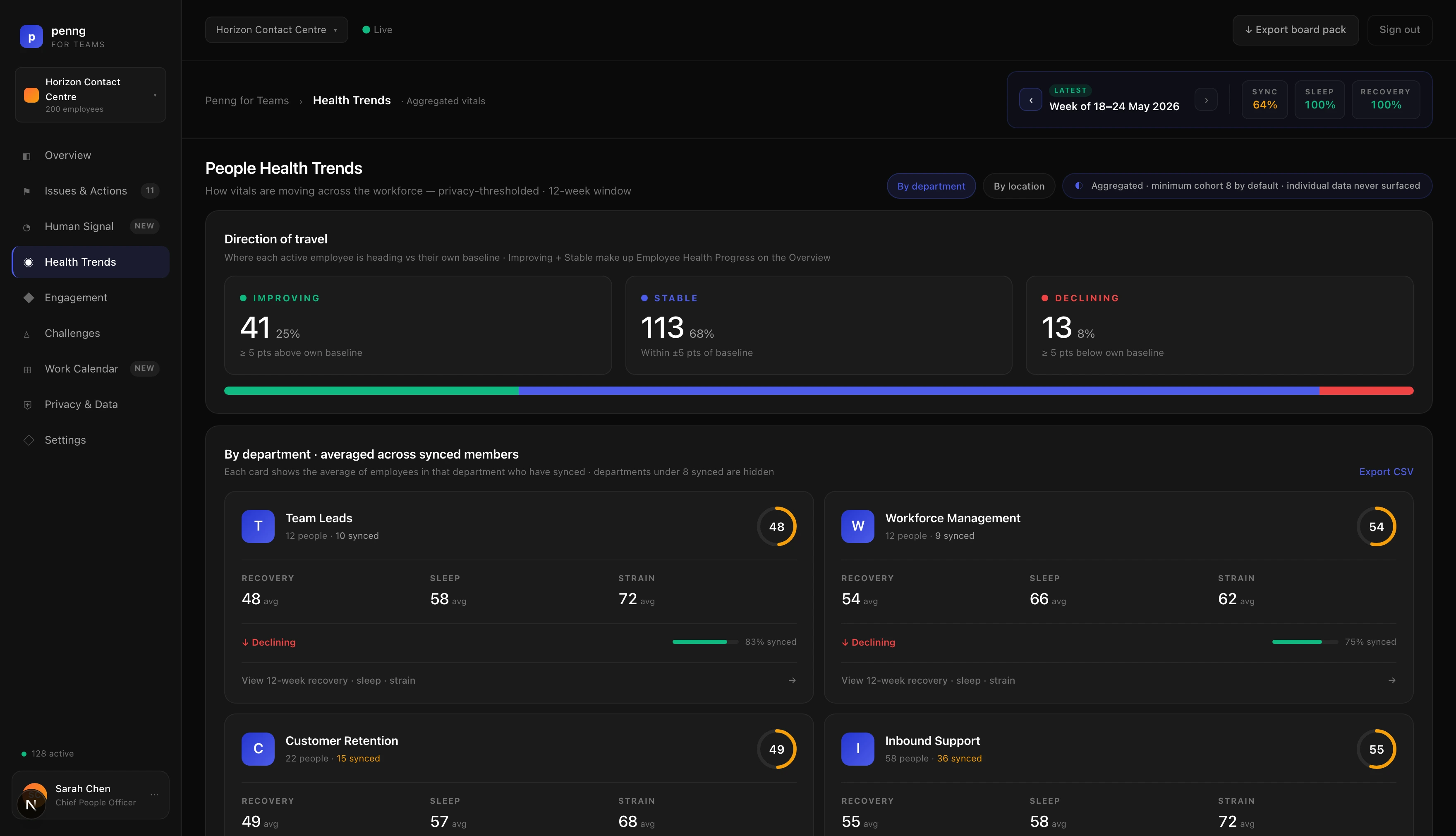
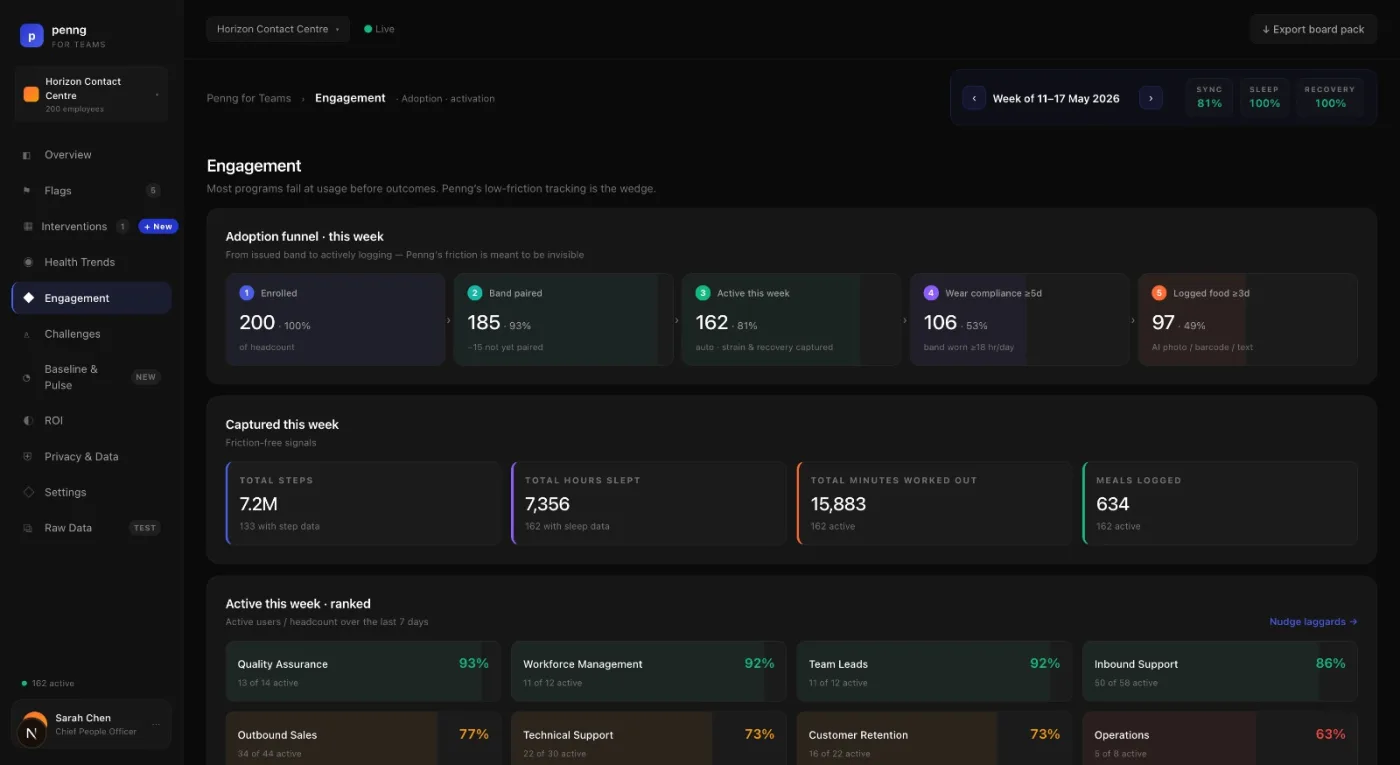
The Penng for Teams dashboard with demonstration data. Department averages, the direction of the organisation’s own score over a fixed window, and the privacy threshold stated on the screen itself.
How it runs
Four steps, then it is running.
01
Buy seats
A platform fee plus a seat for each participating employee.
02
Invite people
Employees accept an invitation and connect their own wearable, or you buy bands.
03
They use the app
Food, sleep, recovery, training, habits and challenges. The same app consumers pay for.
04
You read the trend
Participation, engagement and direction of travel by department, aggregated.
Privacy
Aggregate first, by default.
The employer dashboard is built around groups, not people. Departments are reported as averages, and the API suppresses the figures when a group falls below the minimum cohort rather than showing a number that would identify someone. The default floor is eight.
Direction of travel is the organisation’s own wellness score compared with itself: the first and last day of a fixed thirty-day window, with flat sitting in the middle of the scale. It is a company trend, not a per-employee one. Fewer than two days of data returns no direction at all rather than a zero.
What an employer may see, what an employee must consent to and how that is presented at rollout are still being settled for this rebuild. Nothing on this page should be read as a finished data-protection commitment.
Commercials
A platform fee plus seats.
platform fee + employee seats. Employees can use a wearable they already own, which keeps the hardware line off your budget entirely, or you can buy bands for people who have nothing.
The fee, the seat price and any minimum are not set (example only, not a confirmed term: Amounts, seat rules, minimums and data permissions are all open.), so there is no price list on this page yet. A demo is where we work out the shape of your rollout and what it would cost.
Next step
Book a demo.
Half an hour on the dashboard with your own questions. Penng will be straight with you about which parts are shipping and which are not.
Preview behaviour. No handler, no endpoint, no email. Submitting shows a local message that says exactly that.